I know the frustration of pulling a project from my machine only to find unsightly charring and smoke residue. These dark blemishes often ruin the clean, professional aesthetic I strive for in my woodcraft.
Fortunately, I have discovered a reliable method to keep my materials pristine. By applying a protective layer before cutting, I can shield the surface from heat and debris.
Learning how to use laser masking tape to prevent burn marks is a game-changer for any maker. This simple step ensures that my final results look sharp and require minimal cleanup.
In this guide, I will walk you through the best practices for application and removal. Mastering this technique will elevate the quality of your work and save you valuable time during the finishing process.
Key Takeaways
- Protective layers act as a barrier against smoke and heat damage.
- Proper application ensures clean edges on wood and acrylic projects.
- Removing the material after cutting reveals a crisp, unblemished surface.
- Consistent use reduces the need for sanding or heavy post-processing.
- Selecting the right adhesive strength is vital for protecting delicate surfaces.
Understanding the Role of Masking Tape in Laser Cutting
I have found that the secret to professional-grade laser projects often lies in the simple application of masking tape. When I operate my laser cutter, I view the surface of my material as a canvas that needs protection from the intense energy of the beam. By using a laser masking tape technique, I can ensure that my final product remains pristine and free from unsightly blemishes.
Why Burn Marks Occur on Laser-Cut Materials
Burn marks are a natural byproduct of the laser cutting process, which relies on extreme heat to vaporize material. As the laser beam travels, it creates smoke and soot that settle onto the surrounding surface of the wood or acrylic. This residue often stains the material, creating a dark, charred appearance that is difficult to remove after the fact.
The intensity of these marks depends on the material density and the power settings of the machine. Preventing burn marks with laser tape is essential because once the soot penetrates the porous surface of wood, it becomes nearly impossible to clean without sanding. By understanding this interaction, I can better prepare my workspace to avoid these common aesthetic issues.
The Protective Function of Laser Masking Tape
The primary role of masking tape is to act as a sacrificial barrier between the laser beam and the workpiece. When I apply the tape, it absorbs the heat and collects the soot that would otherwise settle directly onto my project. This simple layer effectively shields the material, allowing me to peel away the tape after cutting to reveal a clean, untouched surface underneath.
Using this method is a game-changer for anyone looking to achieve high-quality results. The following table highlights how different protective strategies compare when working with common laser-cut materials.
| Protection Method | Effectiveness | Ease of Use | Residue Risk |
|---|---|---|---|
| Paper Masking Tape | High | Excellent | Low |
| Plastic Film | Medium | Moderate | High |
| No Protection | None | N/A | Very High |
By consistently preventing burn marks with laser tape, I save significant time during the post-processing phase. Mastering this laser masking tape technique allows me to focus on the creative aspects of my designs rather than worrying about cleaning up charring. It is a fundamental skill that elevates the quality of every piece I create.
Selecting the Right Materials for Your Laser Projects
I have found that the secret to pristine laser projects often lies in the material you apply before cutting. Following laser masking tape best practices ensures that your final product remains free from unsightly charring and smoke damage. By choosing the right supplies, you set yourself up for success from the very first pass.
Types of Masking Tape Suitable for Laser Machines
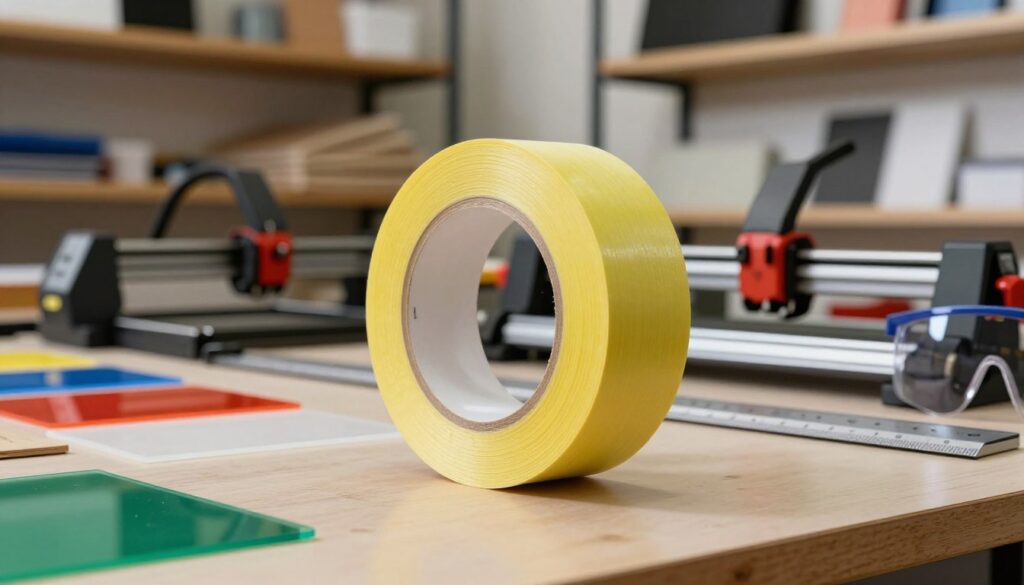
When working with high-heat laser environments, I always recommend using paper-based transfer tapes. These tapes are specifically designed to withstand intense heat without melting or releasing harmful fumes. Unlike standard plastic-based tapes, paper options provide a stable barrier that protects the surface of your material effectively.
You should look for tapes labeled as “low-tack” or “medium-tack” to ensure they adhere well without damaging delicate surfaces. These specific laser tape tips for cleaner cuts help you maintain the integrity of your workpiece while providing a reliable shield against laser-induced debris.
Evaluating Adhesive Strength and Residue Risks
One of the biggest challenges I face is balancing protection with easy cleanup. If the adhesive is too strong, you risk leaving sticky residue behind that is difficult to remove. Conversely, a tape that is too weak may peel away during the cutting process, exposing your material to unwanted burn marks.
I suggest testing a small strip on a scrap piece of your material before starting a large project. This simple step allows you to verify that the tape holds firm during the laser process but lifts away cleanly afterward. Prioritizing laser masking tape best practices will save you significant time during the post-processing phase.
Compatibility with Common Materials Like Wood and Acrylic
Different materials require different approaches to masking. For robust hardwoods, a medium-tack paper tape is usually sufficient to prevent deep charring along the cut lines. When working with acrylic, I prefer using a slightly lighter adhesive to ensure that no residue remains on the polished surface.
The following table highlights how to choose the right tape for your specific needs:
| Material Type | Recommended Tack | Primary Benefit |
|---|---|---|
| Hardwood | Medium | Prevents deep charring |
| Acrylic | Low | Leaves no residue |
| Plywood | Medium-High | Protects delicate veneers |
By applying these laser tape tips for cleaner cuts, you can achieve professional results on almost any substrate. Always remember that the quality of your tape directly impacts the final appearance of your laser-cut designs.
How to Use Laser Masking Tape to Prevent Burn Marks Effectively
I have found that the difference between a charred edge and a clean cut often comes down to how you apply your protective tape. Learning how to use laser masking tape to prevent burn marks is a fundamental skill that transforms the quality of your finished products. By following a structured workflow, you can ensure that your materials remain pristine throughout the entire cutting process.
Preparing the Surface for Optimal Adhesion
Before applying any tape, you must ensure the material surface is completely clean. Any dust, oil, or debris can prevent the adhesive from bonding properly, which leads to gaps where smoke can seep through. I always wipe down my wood or acrylic sheets with a lint-free cloth and a small amount of isopropyl alcohol.
Once the surface is dry, inspect it for any deep scratches or imperfections. A smooth, clean base is essential for the tape to create a perfect seal. If the surface is porous, you might need to apply a slightly firmer pressure to ensure the adhesive grips the fibers effectively.
Applying the Tape Without Trapping Air Bubbles
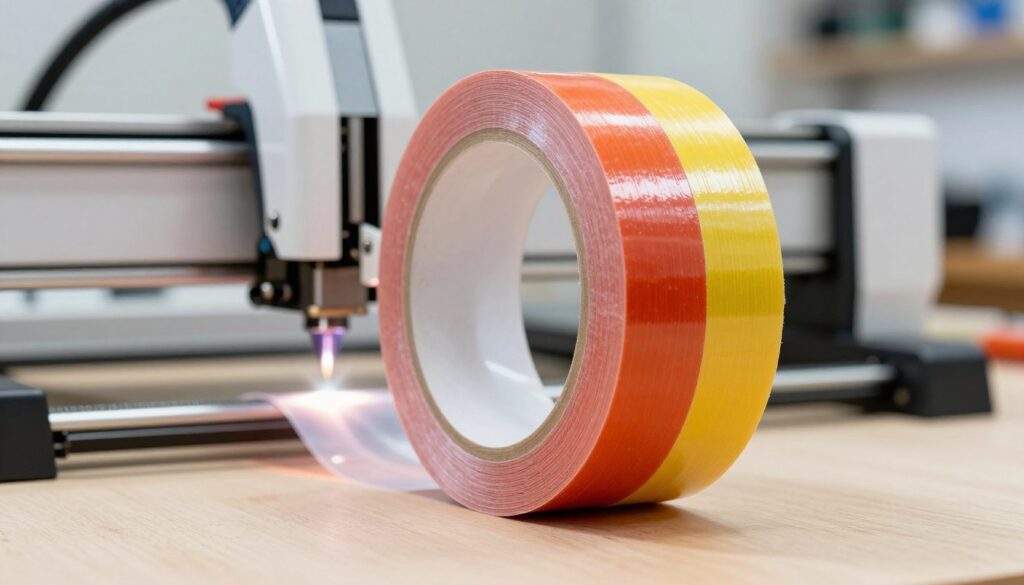
When it comes to reducing burn marks with laser masking tape, the application technique is everything. I recommend using a squeegee or a flat plastic scraper to lay the tape down slowly. This method helps push out air pockets that could otherwise cause uneven heat distribution.
- Start from one edge and work your way across the material.
- Overlap your tape strips by about an eighth of an inch to ensure full coverage.
- Use firm, consistent pressure to smooth out any remaining bubbles.
Adjusting Laser Settings for Masked Materials
Adding a layer of tape introduces a slight increase in material thickness and density. To achieve laser masking tape for clean laser cuts, you should perform a small test burn on a scrap piece of the same material. I typically increase my power settings by 3% to 5% to account for the extra layer the laser must penetrate.
You may also need to adjust your speed slightly to ensure the beam cuts cleanly through both the tape and the substrate. If you notice the tape edges are curling, your power might be too high, or your focus might be slightly off. Always prioritize a clean cut over raw speed to maintain the integrity of your design.
Ensuring Proper Alignment Before Cutting
Proper alignment is the final step in the preparation process. Because the tape can sometimes obscure the natural grain or markings of your material, I use registration marks on the tape surface to guide my laser head. This ensures that my design is perfectly centered and oriented before I hit the start button.
By taking these extra moments to align your work, you avoid the frustration of wasted material. Consistent preparation is the key to reducing burn marks with laser masking tape and achieving professional results every time. Once you master these steps, you will find that your workflow becomes much more efficient and reliable.
Advanced Techniques for Complex Laser Engraving
Mastering an advanced laser masking tape technique allows me to tackle intricate designs with total confidence. When you push the boundaries of laser engraving, standard masking methods may no longer suffice for your creative vision.
Layering Tape for Deep Engraving Projects
For deep engraving, I often apply multiple layers of tape to ensure the surface remains pristine. This extra barrier is essential for laser masking tape for clean laser cuts, especially when the laser dwells on a single spot for an extended period.
“Precision is not just about the machine settings; it is about the preparation you put into the material before the beam ever touches it.”
Using Masking Tape for Multi-Color Inlay Work
When I work on multi-color inlays, masking tape acts as a vital stencil. I carefully apply the tape to protect areas that must remain untouched while I engrave specific sections for color filling. This meticulous process ensures that paint or resin stays exactly where I intend it to go.
By keeping the surrounding areas covered, I prevent accidental overspray or bleeding. This method is a game-changer for achieving professional, high-contrast results on complex wooden or acrylic pieces.
Managing Heat Dispersion on Delicate Surfaces
Managing heat is critical when working with sensitive materials that warp easily. I use laser masking tape for improved laser cutting results by strategically applying it to act as a heat sink. This simple adjustment helps dissipate thermal energy away from the delicate edges of my design.
Proper heat management prevents unwanted scorching and keeps the material integrity intact. By controlling the thermal environment, I can achieve high-detail engravings that look sharp and clean every single time.
Troubleshooting Common Issues with Laser Masking
I have found that even the most experienced makers occasionally face issues with tape residue or peeling during their projects. While these setbacks can be frustrating, they are usually simple to resolve with the right approach. By learning how to troubleshoot these variables, you will become more proficient at avoiding burn marks using laser masking tape in your daily workflow.
Dealing with Adhesive Residue After Cutting
Sometimes, a thin layer of adhesive remains on your material after you peel away the tape. This often happens if the laser heat causes the glue to soften and spread slightly. I recommend using a small amount of citrus-based cleaner or isopropyl alcohol on a soft cloth to gently wipe away any sticky spots.
Always test your cleaning solution on a scrap piece first to ensure it does not discolor the material. This simple step is highly effective for reducing burn marks with laser masking tape while keeping your final product looking pristine.
Preventing Tape Peeling During the Laser Process
If your tape starts to lift while the laser is running, it can lead to uneven cuts or unwanted charring. This usually occurs because the surface was not clean or the tape was not pressed down firmly enough. I suggest wiping your material with a dry, lint-free cloth before application to ensure maximum adhesion.
Using a brayer or a flat squeegee to apply the tape helps remove trapped air bubbles. A smooth, flat surface ensures the tape stays in place throughout the entire cutting cycle.
Addressing Flare-Ups and Charring at the Edges
Flare-ups occur when the laser interacts with the edges of the tape, causing small flames that can damage your design. To focus on preventing burn marks with laser tape, you should check your air assist settings. Increasing the airflow helps blow away smoke and debris, which significantly lowers the risk of ignition.
You might also need to slightly adjust your power or speed settings if you notice consistent charring. Reducing the power slightly can prevent the tape from overheating while still allowing for a clean cut.
| Common Issue | Primary Cause | Recommended Solution |
|---|---|---|
| Adhesive Residue | Excessive laser heat | Use citrus cleaner |
| Tape Peeling | Surface contamination | Clean surface thoroughly |
| Edge Flare-ups | Low air assist | Increase air pressure |
| Surface Charring | High power settings | Reduce laser intensity |
Best Practices for Post-Processing and Cleanup
I have found that the way you remove your masking tape can significantly impact the final appearance of your project. Implementing these laser tape tips for cleaner cuts will help you achieve a professional finish every time. Taking your time during this final stage prevents unnecessary damage to your delicate materials.
Safe Removal Techniques for Intricate Designs
When working with complex patterns, I recommend using a pair of precision tweezers to lift the edges of the tape. Pulling the tape back at a sharp, low angle helps to prevent the material from splintering or lifting prematurely. If the design is particularly fragile, applying a small amount of heat with a hair dryer can soften the adhesive, making removal much smoother.
“The difference between a hobbyist project and a professional piece often lies in the patience applied during the final cleanup phase.”
Cleaning Residual Adhesive Without Damaging the Material
Sometimes, a thin layer of adhesive may remain on the surface after the tape is peeled away. I suggest using a small amount of isopropyl alcohol on a microfiber cloth to gently wipe away any sticky residue. For wood surfaces, a citrus-based cleaner often works wonders without affecting the natural finish of the grain.
| Cleaning Method | Best For | Effectiveness |
|---|---|---|
| Isopropyl Alcohol | Acrylic & Glass | High |
| Citrus Solvent | Natural Wood | Medium |
| Warm Water | Paper & Cardboard | Low |
Storing Your Masking Tape to Maintain Quality
Adhering to laser masking tape best practices extends beyond the cutting process and includes how you store your supplies. I always keep my rolls in a cool, dry environment away from direct sunlight to prevent the adhesive from degrading. Keeping the tape in its original packaging or a sealed container ensures it remains tacky and effective for your next project.
Conclusion
Achieving professional results requires attention to detail at every stage of your project. I find that avoiding burn marks using laser masking tape transforms the quality of my finished pieces. This simple addition to my workspace protects delicate surfaces from heat damage and smoke residue.
Selecting the right materials remains a vital step in your creative journey. Brands like Trotec or specialized paper-based tapes offer reliable performance for wood and acrylic projects. Consistent application ensures that you maintain clean edges on every cut.
I encourage you to experiment with these techniques to refine your own process. Relying on laser masking tape for improved laser cutting results allows me to focus on intricate designs rather than tedious cleanup. Your projects will reflect a higher level of craftsmanship when you prioritize surface protection.
Share your experiences with these methods in your local maker community. I look forward to seeing the clean, precise work you produce with these professional habits. Happy creating as you continue to push the boundaries of your laser machine.
## FAQ
### Q: Why should I prioritize using laser masking tape for clean laser cuts in my projects?
A: In my professional experience, the primary reason to use laser masking tape for clean laser cuts is to eliminate the aesthetic damage caused by smoke and resin. When a laser vaporizes material like wood or acrylic, the resulting soot can stain the surface permanently. By applying a high-quality paper mask, such as 3M 2020 or TransferRite 582U, I create a sacrificial layer that catches the residue, leaving the underlying material pristine once the tape is peeled away.
### Q: What is the most effective laser masking tape technique for ensuring a bubble-free application?
A: The best laser masking tape technique involves using a dedicated application tool like a rubber brayer or a felt-edge squeegee. I start by aligning one edge of the tape to my material and slowly rolling it down while applying firm, even pressure. This prevents air pockets from forming; air bubbles are problematic because they can trap heat and cause localized charring or uneven cutting depths during the process.
### Q: Are there specific laser tape tips for cleaner cuts when working with different materials?
A: Yes, one of my favorite laser tape tips for cleaner cuts is to match the tack level of the tape to the material density. For delicate veneers or softwoods like balsa, I use a low-tack paper mask to avoid peeling up wood fibers. For robust hardwoods like walnut or cherry, a medium-tack mask works best to ensure the edges don’t lift when the high-pressure air assist from a Glowforge or Epilog laser is active.
### Q: How does preventing burn marks with laser tape affect my machine’s power and speed settings?
A: When preventing burn marks with laser tape, I always account for the extra thickness of the paper layer. Typically, I increase my power setting by roughly 3% to 5% or slightly decrease the travel speed. I recommend running a small “kerf test” on a masked scrap piece of material first to ensure the laser penetrates both the Neenah Paper masking and the workpiece for a clean, through-cut.
### Q: What are the laser masking tape best practices for removing residue after a long engraving session?
A: To maintain laser masking tape best practices, I focus on the removal process. If the heat from the laser has caused the adhesive to bond more firmly to the surface, I use a plastic razor blade or a “pick” tool to gently lift the edges. If any sticky residue remains on acrylic or finished wood, I find that a quick wipe with Goo Gone or a light application of denatured alcohol on a microfiber cloth works wonders without damaging the material.
### Q: Can I achieve better results by reducing burn marks with laser masking tape on both sides of the material?
A: I highly recommend reducing burn marks with laser masking tape by masking both the top and bottom surfaces. While the top mask protects against smoke plumes, the bottom mask is essential for preventing “flashback” marks caused by the laser reflecting off the honeycomb bed. This double-sided protection is a hallmark of professional-grade work that requires zero sanding after the cut.
### Q: Is avoiding burn marks using laser masking tape possible for complex, high-detail engravings?
A: Absolutely. I’ve found that avoiding burn marks using laser masking tape is actually easier on complex designs because the tape holds small, delicate pieces in place during the cut. For intricate “weeding,” I often use a piece of high-tack transfer tape pressed firmly over the finished engraving to lift away dozens of small masked sections at once, which is a massive time-saver for high-volume production.
### Q: Why is using laser masking tape for improved laser cutting results considered a standard professional workflow?
A: In my studio, using laser masking tape for improved laser cutting results is standard because it significantly reduces post-processing labor. Instead of spending hours sanding away scorch marks from a Boss Laser or Aeon machine, I can simply peel the mask and proceed to assembly. This not only improves the visual quality of the project but also ensures that the natural color and grain of the wood remain unaltered by heat-induced discoloration.