Choosing the right equipment is the most critical decision you will make for your workshop. When you start working with plastic substrates, you quickly realize that not all machines handle these materials the same way.
In this guide, I will walk you through the fundamental differences between these two popular systems. My goal is to clarify why understanding the technology is essential for achieving professional results every time you power up your machine.
I have spent years testing various setups to see how they perform on different surfaces. By the end of this article, you will understand the scope of my personal experience regarding the co2 laser vs diode laser for cutting acrylic panels. This knowledge will help you avoid costly mistakes and improve your overall production quality.
Key Takeaways
- CO2 systems are generally superior for clean, polished edges on thick plastic.
- Diode machines often struggle with transparent materials due to wavelength limitations.
- Selecting the correct hardware prevents material waste and saves significant time.
- Professional results depend on matching your machine’s power to the specific substrate.
- My personal testing highlights the distinct performance gaps between these two common tools.
Understanding the Physics of CO2 Laser vs Diode Laser for Cutting Acrylic Panels
My journey into laser cutting began with a simple question: why does one laser cut acrylic like butter while another barely leaves a mark? I quickly learned that the answer lies in the fundamental physics of light. When performing a laser cutting comparison, you must look beyond the brand name and focus on the wavelength of the beam.
How CO2 Lasers Interact with Acrylic Materials
CO2 lasers operate at a wavelength of 10,600nm, which falls deep within the infrared spectrum. This specific wavelength is perfectly absorbed by acrylic polymers. As the beam hits the material, the energy converts into heat, causing the acrylic to vaporize instantly.
“The efficiency of a laser process is dictated by the absorption coefficient of the material at the specific wavelength of the light source.”
Because the material absorbs this energy so effectively, the cut remains clean and precise. This interaction is the gold standard for acrylic laser cutting technologies in professional workshops.
The Limitations of Diode Laser Wavelengths
Diode lasers typically operate in the visible light spectrum, usually between 445nm and 450nm. Unlike the infrared beam of a CO2 laser, these shorter wavelengths often pass directly through transparent acrylic. The material is essentially invisible to the laser, making it nearly impossible to cut clear sheets.
To help you visualize the differences between these systems, I have compiled the following data:
| Feature | CO2 Laser | Diode Laser |
|---|---|---|
| Wavelength | 10,600nm | 445nm – 450nm |
| Absorption | High (Excellent) | Low (Transparent) |
| Primary Use | Cutting/Engraving | Engraving/Marking |
Why Wavelength Matters for Clean Edge Quality
When I evaluate co2 vs diode laser cutting machines, the edge quality is the most telling factor. A CO2 laser creates a smooth, flame-polished edge because the heat is localized and intense. Conversely, a diode laser struggles to maintain a consistent thermal reaction, often resulting in jagged or melted edges.
If you want to achieve professional results, consider these key physical requirements:
- Wavelength compatibility: Ensure your laser matches the absorption profile of your material.
- Thermal control: High absorption leads to cleaner cuts with less charring.
- Beam focus: A tighter spot size improves precision regardless of the laser type.
Understanding these principles prevents costly mistakes. By respecting the physics of light, I can ensure my projects look clean and professional every single time.
Evaluating Safety Requirements for Acrylic Fabrication
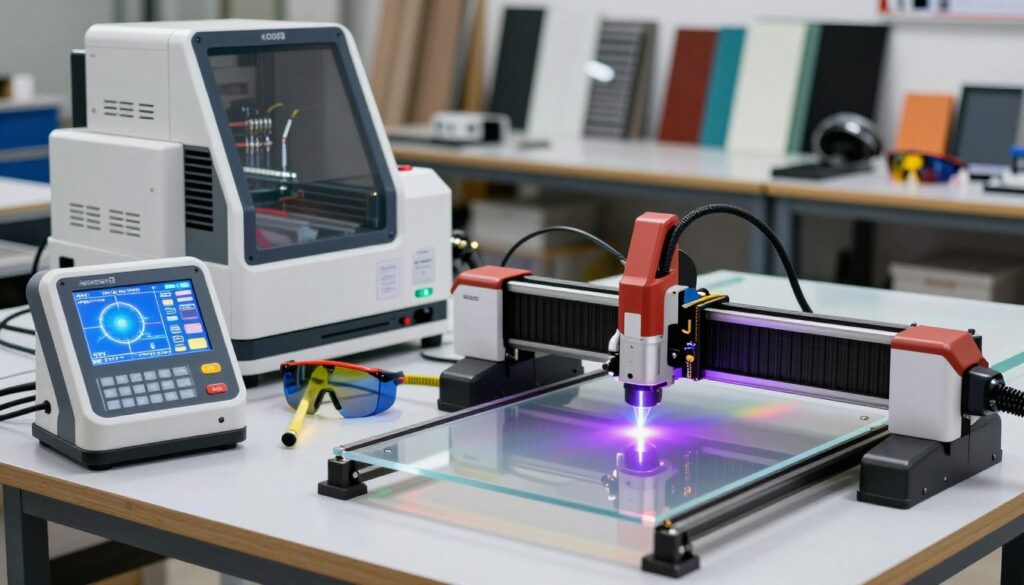
My experience has taught me that safe operation is the foundation of every successful project involving acrylic fabrication laser options. When I work with synthetic materials, I treat safety as my highest priority to ensure a productive and healthy workspace. By following strict guidelines, I can focus on precision rather than worrying about potential hazards.
Managing Fumes and Ventilation Systems
Vaporizing acrylic releases toxic fumes that can be harmful if inhaled over long periods. I always ensure my workspace features a robust ventilation system to pull these gases away from my breathing zone. A high-quality exhaust fan paired with proper ducting is essential for maintaining air quality.
I recommend using an inline centrifugal fan to move air effectively through your filtration unit. If you are working in a small shop, consider an external venting setup that pushes air safely outside. This simple step keeps your environment clean during long cutting sessions.
Fire Prevention Protocols for Laser Cutting
High-heat laser operations carry an inherent risk of flare-ups, especially when cutting flammable materials. I maintain a strict fire prevention protocol by never leaving my machine unattended while it is running. Keeping a fire extinguisher rated for electrical fires within arm’s reach is a non-negotiable rule in my shop.
- Always clear debris from the honeycomb bed to prevent small fires.
- Use an air assist system to blow away smoke and cool the cut path.
- Monitor the material closely for any signs of smoldering or flame.
Personal Protective Equipment for Laser Operators
Protecting yourself is just as important as protecting your equipment. I always wear laser-rated safety glasses that match the specific wavelength of my machine. These glasses are critical for preventing eye damage from stray reflections or direct exposure.
Beyond eye protection, I suggest wearing gloves when handling freshly cut acrylic, as the edges can be extremely sharp. Using the right acrylic fabrication laser options also means dressing appropriately to avoid loose clothing near moving parts. Staying prepared allows me to handle my projects with confidence and total peace of mind.
Preparing Your Acrylic Panels for Precision Cutting
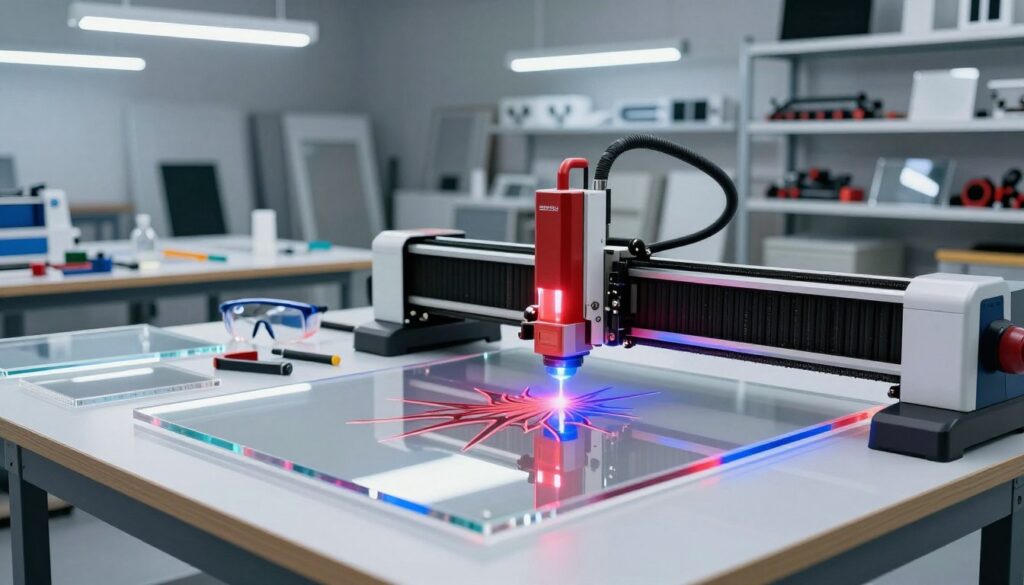
I have learned that the secret to high-quality acrylic fabrication laser options lies in the steps taken before the laser beam hits the material. Achieving professional results with acrylic panel cutting lasers requires meticulous preparation to ensure the final product meets my standards. By focusing on the material properties and surface protection, I consistently avoid common errors that ruin expensive sheets.
Selecting the Right Acrylic Type for Your Laser
Not all acrylic is created equal when it comes to heat sensitivity. I primarily use cast acrylic because it produces a beautiful, frosted edge that looks professional without extra polishing. While extruded acrylic is often cheaper, it tends to melt rather than vaporize, which can lead to gummy edges and poor clarity.
Understanding these differences is vital for any project. I always check the manufacturer’s specifications to ensure the material is laser-compatible. Choosing the right substrate is the first step in optimizing your acrylic fabrication laser options.
| Acrylic Type | Edge Quality | Melting Point | Best Use Case |
|---|---|---|---|
| Cast Acrylic | Frosted/Smooth | Higher | Signage & Art |
| Extruded Acrylic | Clear/Gummy | Lower | Simple Shapes |
| Modified Acrylic | Variable | Medium | Industrial Parts |
Surface Preparation and Masking Techniques
Surface protection is non-negotiable if you want to avoid unsightly burn marks. I always keep the factory-applied paper masking on the sheet until the very last moment. If the material arrives without protection, I apply a layer of low-tack transfer tape to the surface.
This simple barrier prevents smoke and debris from settling into the acrylic surface. It also protects the material from scratches during the handling process. Clean edges are much easier to achieve when the surface remains pristine throughout the cutting cycle.
Securing Panels to the Laser Bed
Stability is the final piece of the puzzle for precision work. I ensure the acrylic panel sits perfectly flat against the honeycomb bed to maintain a consistent focal length. If the material is warped, I use magnetic hold-downs or custom jigs to keep it flush.
Using these tools prevents the material from shifting during the cutting process. A secure panel allows my acrylic panel cutting lasers to maintain high accuracy across the entire design. Proper alignment ensures that every cut is sharp, clean, and perfectly positioned.
Step-by-Step Guide to Cutting Acrylic with a CO2 Laser
Mastering the art of acrylic panel cutting lasers requires a disciplined approach to machine calibration. I have found that consistency is the key to producing high-quality parts that look professional right off the bed. By following a structured workflow, you can achieve a flame-polished edge that eliminates the need for time-consuming sanding or buffing.
Configuring Power and Speed Settings for Clean Edges
When searching for the best laser for acrylic cutting, the CO2 platform remains the industry standard for a reason. To get that signature smooth edge, I always start by testing my power and speed on a scrap piece of the same material. Too much power can cause the acrylic to melt or bubble, while too little speed often leads to a jagged, uneven finish.
I recommend starting with a moderate power setting and adjusting your speed until the beam cuts cleanly through the material in a single pass. This balance is vital for maintaining structural integrity and clarity. If you notice discoloration, try increasing your speed slightly to reduce the heat exposure time.
Focusing the Beam for Optimal Depth
Proper focus is the most critical factor when performing co2 laser cutting acrylic tasks. If your focal point is off, the beam will widen, resulting in a tapered edge rather than a straight, vertical cut. I always use a physical focus gauge to ensure the distance between the lens and the material surface is exact.
Remember that the focal point should ideally sit slightly below the surface of the acrylic. This allows the beam to penetrate deeper while maintaining a narrow kerf. Consistent focus ensures that your edges remain square and professional across the entire sheet.
Executing the Cut and Post-Processing
Once your settings are dialed in, you can begin the final cut. I always prioritize safety by keeping the ventilation system running throughout the entire process. After the laser finishes, I let the material cool for a few seconds before removing it from the bed to prevent warping.
Post-processing is minimal when using advanced acrylic laser cutting technologies correctly. Simply peel away the masking tape to reveal a crystal-clear, polished edge. The following table provides a baseline for common material thicknesses to help you get started.
| Material Thickness | Laser Power | Cutting Speed | Passes |
|---|---|---|---|
| 3mm Acrylic | 60% | 15 mm/s | 1 |
| 6mm Acrylic | 85% | 10 mm/s | 1 |
| 10mm Acrylic | 95% | 5 mm/s | 2 |
Practical Limitations of Diode Lasers for Acrylic Projects
When performing a laser cutting comparison, it becomes clear that diode units operate differently than CO2 systems. While many hobbyists enjoy the affordability of diode technology, I have found that these machines face significant hurdles when attempting to slice through acrylic panels. Understanding the differences between co2 vs diode laser cutting machines is essential for managing your project expectations.
Identifying Compatible Acrylic Colors
The primary challenge with diode lasers is their wavelength, which often passes directly through transparent acrylic without leaving a mark. Because the beam cannot be absorbed by clear material, the laser simply fails to cut. I recommend sticking to opaque colors to achieve better results.
- Black acrylic is the most receptive to diode beams due to its high light absorption.
- Dark blue or red opaque acrylics may work, but they require significantly more power.
- Avoid clear, white, or fluorescent acrylics, as they will likely reflect the beam entirely.
Managing Multiple Passes for Thicker Materials
When you are committed to diode laser cutting acrylic, you must accept that a single pass is rarely enough. I suggest using a series of shallow, high-speed passes rather than one deep, slow cut. This approach helps prevent the material from melting or deforming at the edges.
Always ensure your focus is perfectly calibrated before starting each pass. If the beam loses focus, the cut width will increase, leading to messy, charred edges. Patience is your greatest asset when working with thicker sheets.
Troubleshooting Common Diode Cutting Issues
If you find that your cuts are not going through, check your air assist settings first. A steady stream of air is vital to clear debris and prevent the laser from burning the surface. If you still struggle, you might realize that a CO2 system is actually the best laser for acrylic cutting for your specific needs.
Common issues often stem from:
- Excessive heat buildup: Try adding a cooling pause between passes.
- Incorrect focal length: Re-verify your distance to the material surface.
- Poor material quality: Ensure you are using cast acrylic rather than extruded, as cast material often reacts more predictably to laser energy.
Conclusion
Mastering acrylic fabrication requires a clear understanding of how different laser systems interact with synthetic materials. My analysis highlights the distinct performance gaps between CO2 laser machines and diode laser units. You now possess the knowledge to weigh your specific project needs against the technical capabilities of each platform.
High-end CO2 systems from brands like Epilog Laser or Trotec Laser offer superior speed and edge finish for professional production. Diode lasers from manufacturers like xTool or Ortur provide a budget-friendly entry point for hobbyists working on smaller, less demanding tasks. Your choice dictates the quality of your output and the efficiency of your workflow.
I encourage you to evaluate your workspace requirements and material thickness before making a purchase. Investing in the right technology ensures your creative vision translates perfectly into finished acrylic products. Please share your experiences with these machines to help our community grow. Your feedback provides valuable insights for other makers navigating the world of laser cutting.